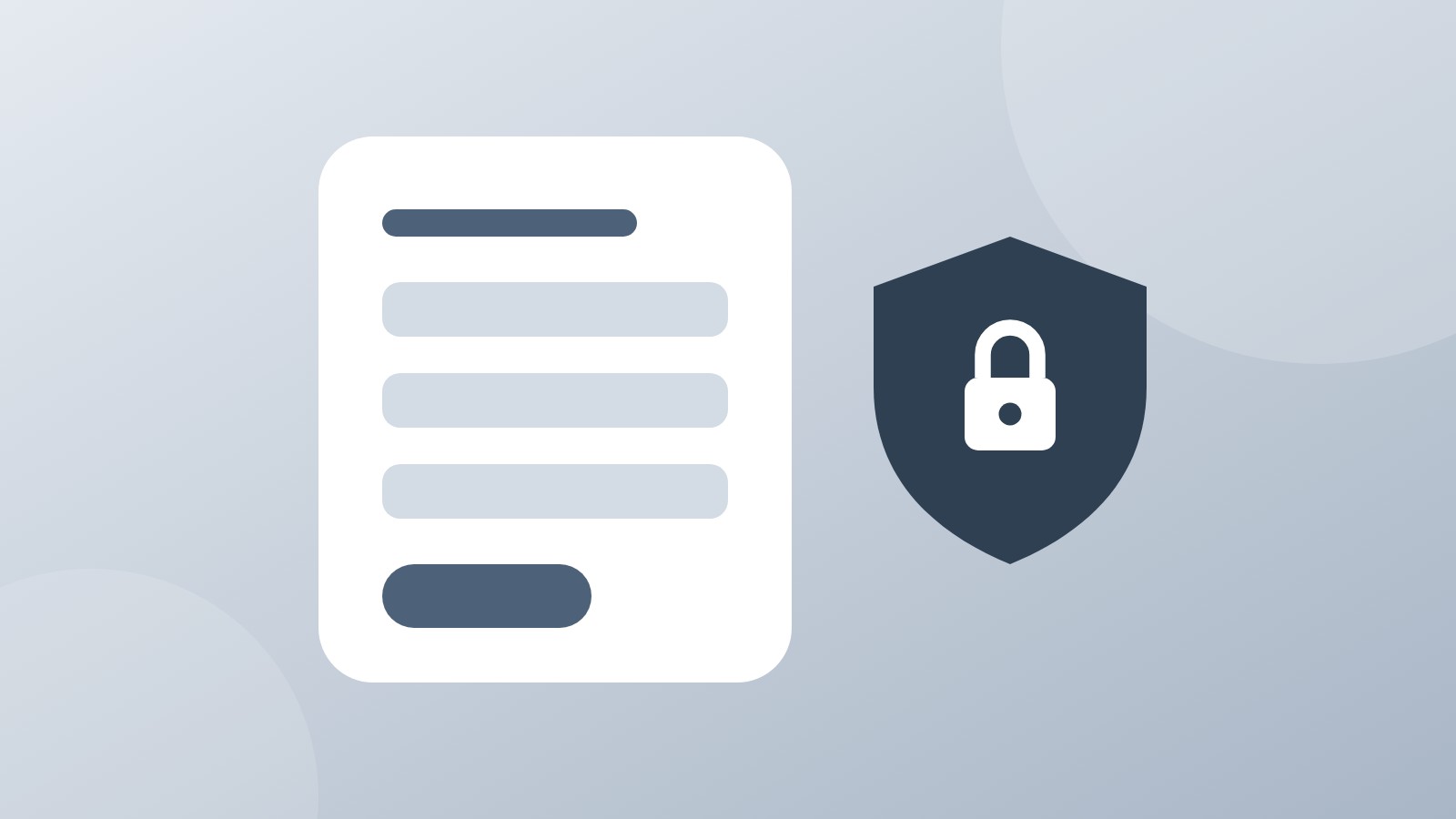
Protect your internal booking forms by requiring authentication—ensuring only your logged-in staff can access them, not your customers.
Why This Matters
If you have booking forms meant only for your internal staff—like manual booking tools or administrative forms—you need a way to keep them private. Without access control, anyone with the URL could accidentally (or intentionally) use these forms, creating confusion and extra work.
What You Can Control
- 🔐 URL access – Choose between "Viewable by all with URL" or "Authentication is required to open URL"
- 📊 Visit logging – Log only guest visits or track all visits (guests and logged-in users)
- 🚫 IP exclusions – Exclude specific IP addresses from visit tracking
How to Restrict Access
-
Go to Booking Forms and find the form you want to protect
-
Click the green "Public" button with the unlocked lock icon to open "Edit form access"
-
Change URL access to "Authentication is required to open URL"
-
Click Save—the button will change to blue and show "Protected" with a locked icon
The Bottom Line
Not every booking form should be public. With access restrictions, you can confidently create internal tools without worrying about customers stumbling onto them. Set it once and forget it.
Have questions? Reach out at help.hubhus.com